Cloud costs can spiral out of control faster than most teams realize. What starts as a few development instances quickly becomes a sprawling infrastructure with orphaned resources, over-provisioned servers, and bills that make finance teams nervous. After helping a ride-sharing platform reduce their AWS bill from $85,000 to $51,000 per month, here are the practical strategies that actually work.
This isn't about theoretical frameworks or vendor pitches. It's a hands-on playbook based on real optimization work, covering everything from quick wins you can implement this week to long-term architectural changes that compound savings over time.
Our client, a growing ride-sharing platform, was spending $85,000 per month on AWS with no clear understanding of where the money went. Development environments ran 24/7, production instances were sized for peak traffic that occurred only a few hours per week, and years of accumulated EBS snapshots consumed storage nobody knew existed.
The engineering team had grown from five to fifty people over three years, each wave adding infrastructure without cleaning up after previous projects. Multiple teams had their own approaches to resource provisioning, creating inconsistent patterns across the organization.
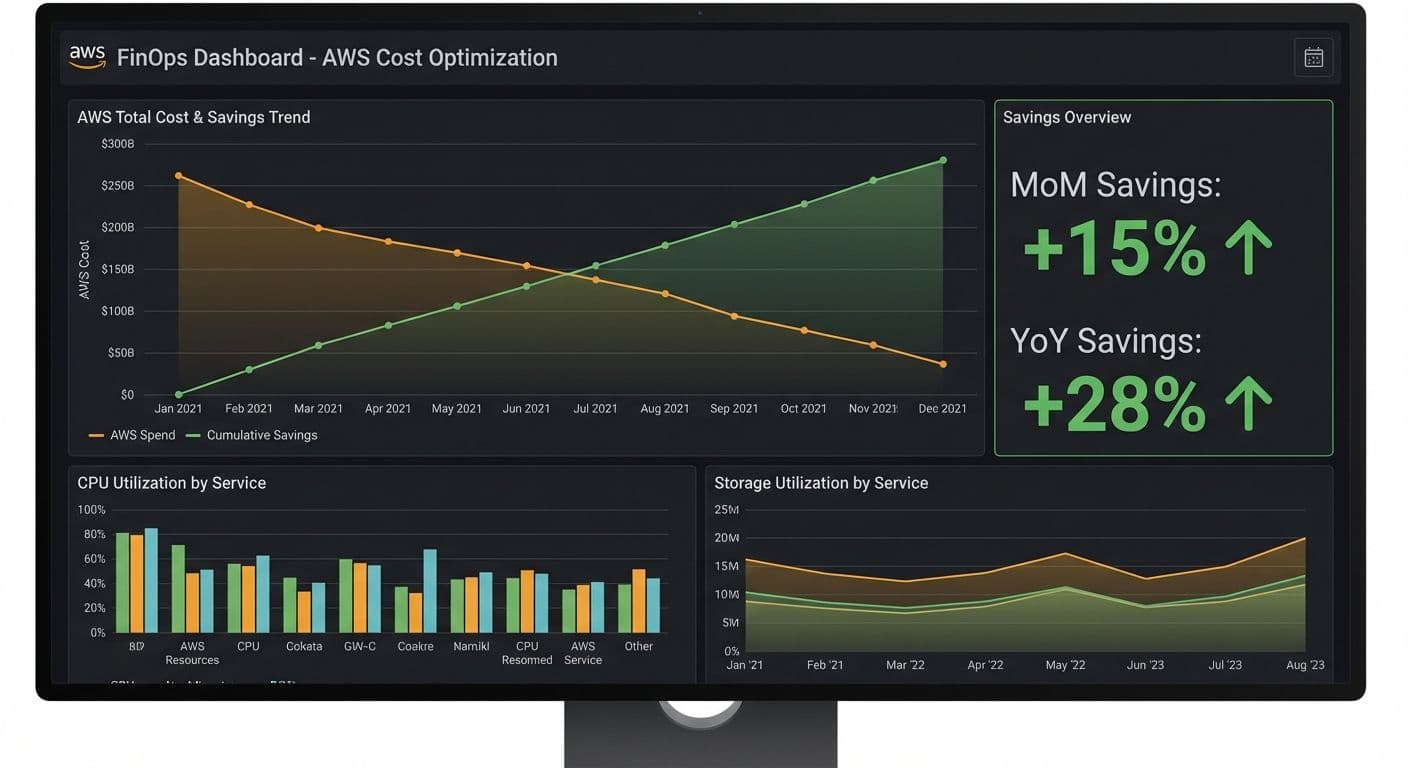
After eight weeks of systematic optimization, monthly costs dropped to $51,000—a 40% reduction—while actually improving application performance in several areas.
FinOps isn't simply about cutting costs—it's about maximizing the business value of every dollar spent on cloud infrastructure. The framework operates through three interconnected phases: Inform, Optimize, and Operate.
The Inform phase establishes visibility into spending patterns. You can't optimize what you can't measure. This means implementing proper tagging, enabling detailed billing reports, and creating dashboards that surface cost data to the teams responsible for the spending.
The Optimize phase applies specific techniques to reduce waste: right-sizing instances, eliminating unused resources, leveraging committed use discounts, and architecting for cost efficiency. This is where most of the immediate savings come from.
The Operate phase embeds cost awareness into daily operations. This includes automated policies, budget alerts, regular reviews, and cultural changes that make cost optimization a shared responsibility rather than a periodic exercise.
The first two weeks focused entirely on understanding current spending. Without proper visibility, optimization efforts become guesswork. We implemented three key capabilities: cost allocation tagging, AWS Cost Explorer configuration, and Kubernetes cost attribution.
Cost allocation tags are the foundation of cloud financial management. We standardized on three required tags for every resource: Environment (production, staging, development), Team (backend, data, platform, mobile), and Project (ride-matching, payments, driver-app, analytics). These tags enable filtering and grouping in billing reports, making it clear which teams and projects drive costs.
Enforcing tags requires both technical controls and cultural buy-in. We implemented AWS Service Control Policies that prevented resource creation without required tags, but also worked with team leads to explain why tagging matters. When engineers see their team's costs in weekly reports, they become natural allies in optimization efforts.
For Kubernetes workloads running on EKS, we deployed Kubecost to get pod-level cost attribution. AWS billing only shows cluster-level costs, but real optimization requires understanding which deployments, namespaces, and teams consume resources. Kubecost correlates resource usage with AWS pricing to provide accurate cost breakdowns.
With visibility established, weeks two through four targeted low-hanging fruit: optimizations that deliver significant savings with minimal risk or engineering effort. These quick wins built momentum and credibility for more substantial changes later.
Right-sizing EC2 instances delivered the single largest immediate impact. AWS Compute Optimizer analyzed utilization metrics and recommended smaller instance types for underutilized servers. We found API servers running on m5.2xlarge instances that rarely exceeded 20% CPU utilization. Moving to m5.xlarge cut costs in half while leaving ample headroom.
The key to successful right-sizing is gradual rollout with monitoring. We changed one instance at a time, ran load tests, monitored for a week, then proceeded to the next. This conservative approach avoided performance incidents while building confidence in the optimization process.
Deleting unattached EBS volumes sounds trivial but often yields surprising savings. Over years of development, teams had created volumes for experiments, testing, and one-off analyses that were never cleaned up. We found 3TB of orphaned volumes costing over $300 monthly. A simple script identified volumes in available state, and after validating none contained needed data, we deleted them.
EBS snapshots follow a similar pattern. Without lifecycle policies, snapshots accumulate indefinitely. We implemented a 90-day retention policy for development environments and 365 days for production, with critical backups excluded from automatic deletion. This reduced snapshot storage by 60%.
S3 Intelligent-Tiering automates storage class optimization for objects with unpredictable access patterns. Rather than manually managing transitions between Standard, Infrequent Access, and Glacier tiers, Intelligent-Tiering monitors access patterns and moves objects automatically. For buckets containing logs, analytics data, and user uploads, this reduced storage costs by 40% with zero operational overhead.
Development and staging environments often mirror production architecture despite fundamentally different usage patterns. Engineers work roughly 40 hours per week, but development infrastructure ran 168 hours. This represented a massive optimization opportunity.
We implemented automated scheduling that shut down development environments outside business hours. EKS node groups scale to zero at 7 PM and back up at 8 AM on weekdays, with weekend schedules starting only when triggered by on-call engineers. RDS instances use start/stop automation rather than running continuously.
This single change reduced development infrastructure costs by 70%. The key to success was involving engineering teams in schedule design. We initially proposed aggressive schedules that would have frustrated developers working late or across time zones. The final schedules included buffer hours and easy override mechanisms, balancing savings with developer experience.
With quick wins captured, we moved to more substantial compute optimizations. These changes required more engineering effort but delivered proportionally larger savings.
Graviton processor migration offered 20% better price-performance for most workloads. AWS's ARM-based Graviton instances cost less than Intel equivalents while delivering equal or better performance for many applications. We migrated stateless services first—API servers, background workers, and batch processors—where testing was straightforward.
Container workloads required only base image changes since application code runs the same on both architectures. For services with native dependencies, we rebuilt with multi-architecture support. The migration took four weeks but delivers ongoing savings without operational changes.
Spot instances provide up to 90% savings for fault-tolerant workloads. We identified batch processing jobs, development workloads, and stateless API servers as Spot candidates. Using Spot instance diversification across multiple instance types and availability zones, we maintained reliability while dramatically reducing costs.
The key to Spot success is designing for interruption. Applications must handle graceful shutdown, persist state externally, and restart cleanly. For EKS workloads, we implemented Pod Disruption Budgets and node termination handlers that drain workloads before instances terminate.
After optimizing usage patterns, we locked in savings through committed use discounts. Savings Plans and Reserved Instances offer 30-70% discounts in exchange for one or three-year commitments. The key is committing only to baseline usage you're confident will persist.
We analyzed six months of historical usage to identify stable baseline consumption. For EC2, we purchased Compute Savings Plans covering about 60% of our steady-state usage, leaving headroom for growth and variation. For RDS databases with predictable usage, Reserved Instances provided deeper discounts.
A common mistake is over-committing based on current usage without accounting for optimization efforts. We waited until after implementing efficiency improvements to size commitments, ensuring we didn't pay for capacity we'd later eliminate.
One-time optimization efforts decay without ongoing governance. Costs creep back as teams add resources, usage patterns change, and new projects launch without cost awareness. We implemented several mechanisms to maintain savings.
Weekly cost review meetings bring engineering leads together to review spending trends, investigate anomalies, and plan optimizations. These meetings take 30 minutes and surface issues before they become expensive problems. When one team's costs spiked 40%, we caught it within a week and traced it to a misconfigured auto-scaling policy.
Automated budget alerts notify teams when spending exceeds thresholds. We set alerts at 80% and 100% of monthly budgets, giving teams time to investigate and respond before overruns become significant. Alerts route to Slack channels monitored by responsible teams, not generic email lists that get ignored.
Automated cleanup policies prevent resource accumulation. Lambda functions run nightly to identify and terminate resources tagged for temporary use, delete old snapshots, and flag untagged resources for review. These guardrails prevent the gradual accumulation that created the original cost problem.
After eight weeks of implementation, monthly AWS costs dropped from $85,000 to $51,000—a 40% reduction representing over $400,000 in annual savings. More importantly, we established processes that prevent cost regression and continue identifying optimization opportunities.
The breakdown of savings sources: right-sizing contributed 15% reduction, development environment scheduling another 12%, Graviton migration added 8%, Spot instances provided 10%, storage optimization delivered 5%, and committed use discounts locked in an additional 15% savings on remaining spend.
Beyond direct cost savings, the project improved operational practices. Engineers now consider cost during architecture decisions. Teams have visibility into their spending and accountability for efficiency. Infrastructure reviews include cost analysis alongside performance and reliability metrics.
Start with visibility before optimization. Rushed optimization without understanding often misses the biggest opportunities or creates new problems. Two weeks spent on tagging and measurement paid dividends throughout the project.
Build engineering partnership rather than imposing mandates. Cost optimization works best when engineering teams understand the goals and participate in solutions. Top-down mandates create resistance; collaborative approaches create advocates.
Prioritize reversible changes. Start with optimizations that are easy to roll back—scheduling, right-sizing, storage tiering—before committing to architectural changes or long-term reservations. This builds confidence and captures quick wins while planning larger efforts.
Automate governance from day one. Manual processes for cost review and cleanup don't scale and eventually get abandoned. Automated policies, alerts, and cleanup routines ensure optimizations persist without ongoing heroic effort.